
Walking a Pittsburg Street by Address
A useful Pittsburg street directory search is a chain of evidence. The city GIS can place each parcel on a named street and return an APN, situs, ZIP, legal description, and deed reference. The county property tools add map, aerial, contour, and radius views. The owner name is the unusual part: Contra Costa suppresses it from the web display, so the assessment-roll counter remains part of the normal route.
Ownership and occupancy are different clues. An owner may receive mail elsewhere, while a household member may appear in a directory, newspaper, or other public record without owning the parcel. Treat the address as the fixed point and keep the date with every result.
- Enter the street address in ParcelQuest Lite, CCMAP, or the Pittsburg GIS viewer and note the APN.
- Open the parcel details and save the situs, legal description, deed reference, ZIP, and parcel-map link.
- Request the public assessment-roll owner and mailing information from the Contra Costa Assessor counter.
- Search the owner as a grantee in RecorderWorks, then follow the grantor named on the purchase deed.
- Use city permits, newspapers, and the 1949 Polk volume for time-specific household or address clues.
Pittsburg ParcelQuest Starts With Address
Contra Costa's ParcelQuest Lite and CCMAP accept a street address or APN. Vacant land may require the APN. The public property page is free to use and can show building and lot data, maps, aerials, contours, and a radius selection. It does not offer an online owner-name search. That omission is deliberate because the county does not want protected-official redactions to fail in a web display.
For an address task, capture the parcel facts first. An APN is more stable than a typed street label, especially when a catalog uses an older place name. The county exhibit identifies fields such as legal description, tax-rate area, assessment year, use, exemption amount, sales history, and characteristics. A homeowner exemption can support a lead, but it does not prove that the owner lives at the situs.
The Contra Costa property-information page is the official launch point for the map and parcel tools.
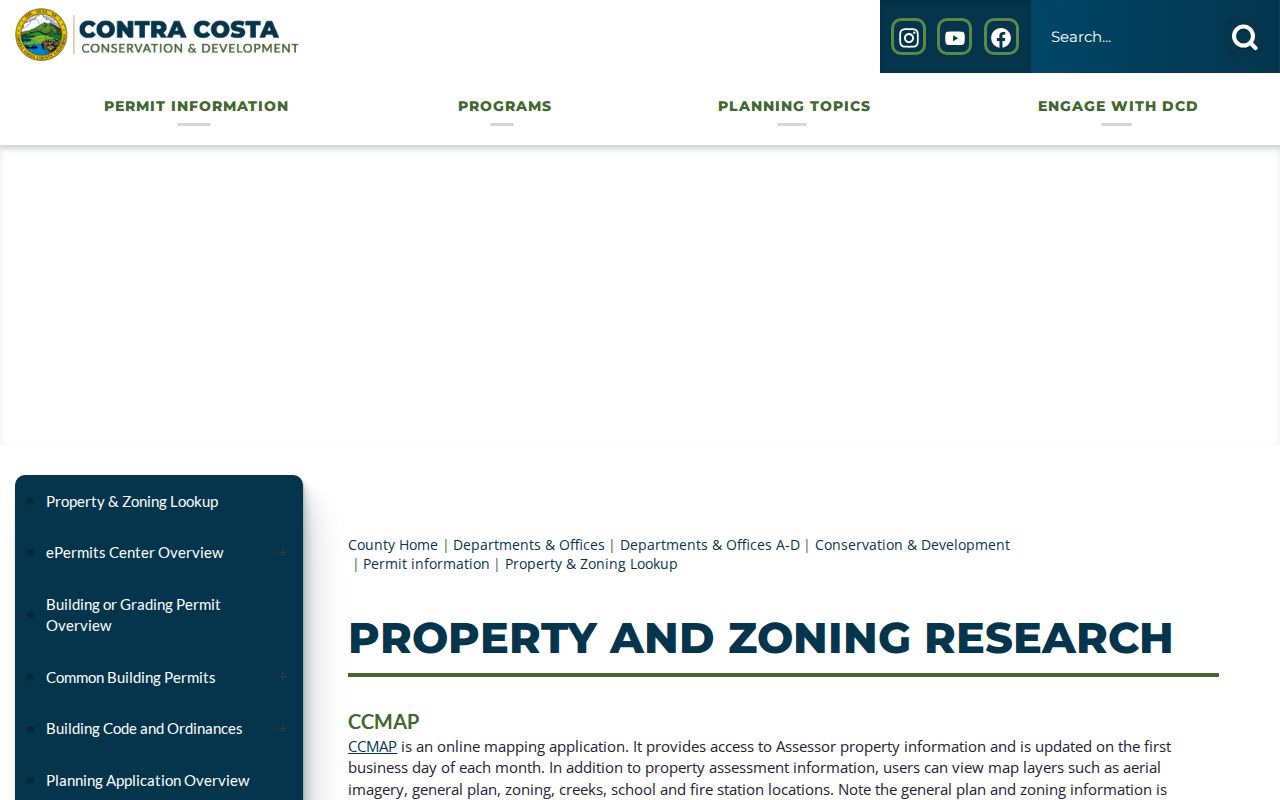
The screenshot illustrates the public property route, while the offline assessment roll supplies the owner field that the online card leaves out.
| Property control | Street-search use |
|---|---|
| Street Address | Search the physical situs when the address is known. |
| APN | Use the parcel number for a stable handoff to the Assessor or Recorder. |
| Map browse or radius | Select nearby parcels when the task covers a block or corridor. |
| Owner name | Unavailable online; ask for the public assessment roll at the counter. |
Reading a Pittsburg GIS Street Query
The Pittsburg General Viewer and its public parcel feature service can be queried in more than one way. A street filter is useful for a named corridor. A spatial relationship can select parcels that intersect a point, envelope, or polygon. A distance and unit can create a proximity result. Out Fields controls which parcel attributes return, and the service can sort, group, paginate, and return HTML, PJSON, JSON, or GeoJSON. The public service maximum is 100 records.
A GIS result is reference data, not a legal survey. It helps a street-by-street researcher move from map shape to APN and then to the custodian that holds a deed or assessment record. Contact GISServices@pittsburgca.gov when a needed dataset is missing.
The authoritative Pittsburg parcel-layer schema lists the fields and query controls.
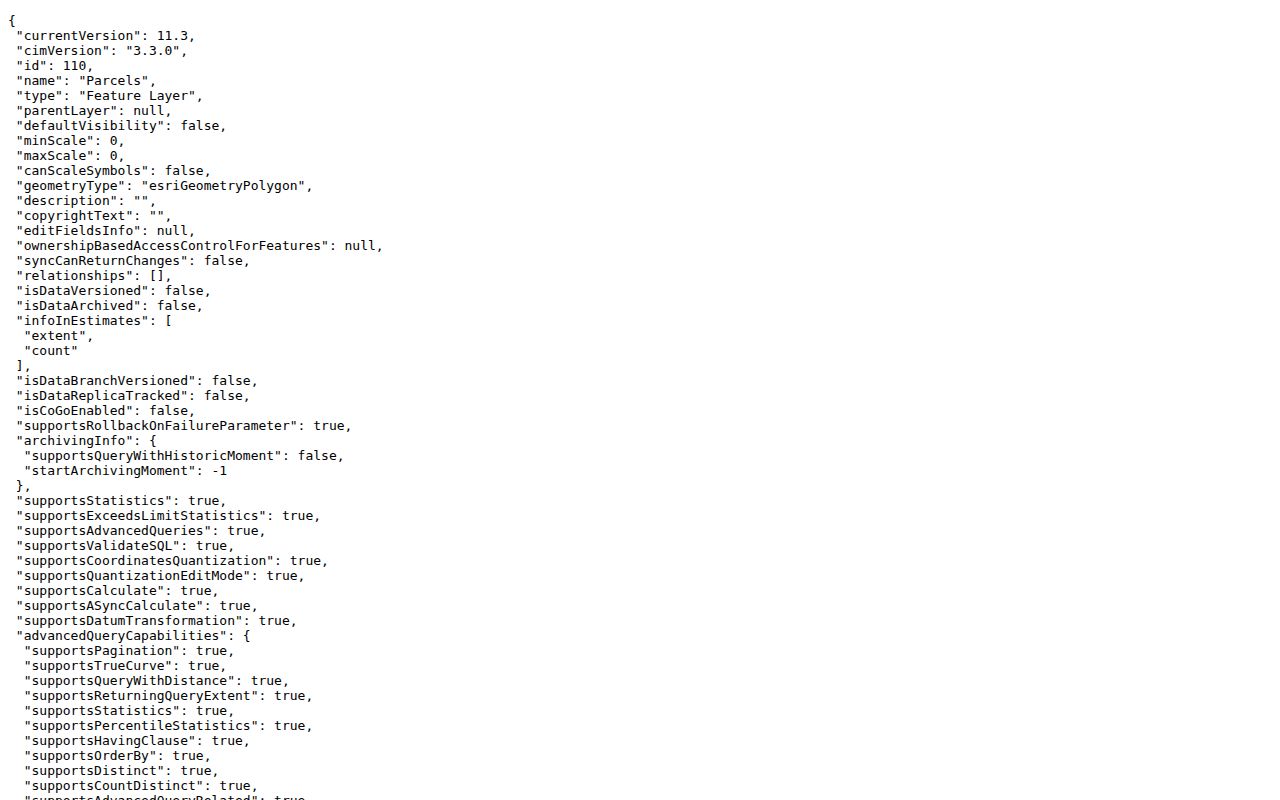
Use the returned deed reference and recording date as leads, then verify the instrument with the Clerk-Recorder rather than treating a map field as a complete record.
| GIS field or control | Type | Street-directory purpose |
|---|---|---|
| Where | SQL text | Filter N_ZIP, situs, street, or APN fields. |
| Input Geometry | Point, envelope, or polygon | Limit the query to a location or block. |
| Spatial Relationship | Selection control | Choose intersects, within, or another supported relation. |
| Out Fields | Text or multi-select | Return only the parcel attributes needed for the next handoff. |
| Result Offset and Count | Numbers | Page through results below the 100-record service maximum. |
Pittsburg Records That Sort by Street
A street directory is a set of address-keyed records, not a single book. The record set below shows which source to use after a parcel is located. It also shows why the result must be described precisely. Some sources show owners, some show map facts, some show parties to a deed, and some show only a public action involving a named person.
| Record set | Keeper | Street-level clue | Access |
|---|---|---|---|
| Parcel and GIS layer | Pittsburg and Contra Costa | APN, situs, ZIP, legal and deed-map fields | Free online |
| Assessment roll | Contra Costa Assessor | Owner, mailing address, value, exemptions | Owner offline at counter or request |
| Deed index | Clerk-Recorder | Grantor, grantee, recording date and document trail | RecorderWorks, counter, copy order |
| Permits and code cases | City or county | Address, work, applicant, inspection or case date | Dashboard or focused request |
| Newspapers and directories | Library and History Center | Past household, notice, obituary, club, or address clue | Online, film, paper, research request |
Parcel identity is the handoff key. It joins the map to the roll, the deed reference, and the permit address. It does not join the street to every occupant. California's voter release rules also mean that a whole-street voter list is not a normal public search.
Keeping Pittsburg Address Fields Straight
Three address ideas recur in a Pittsburg address search. The situs is the physical parcel location. The mailing address is where an owner receives correspondence. The legal description is the land identity used in a deed or map. They may match, but they need not. A parcel can have a separate mailing address, and a street label can change while the legal description remains the continuity clue.
A plat is a recorded map that lays out lots, lines, streets, or subdivisions. A parcel map URL or tract reference can lead to that map, while the deed supplies the transfer language. Public Works keeps recorded, survey, and corner maps and archived parcel books through Laserfiche or request channels. Use those records when a street search has an irregular lot line or a hard-to-read address.
- APN
- The assessor's parcel number used to identify a taxable land unit.
- Situs
- The physical address of the parcel, not necessarily an owner's correspondence address.
- Plat
- A recorded map showing subdivision or lot relationships.
- Criss-cross directory
- A reverse directory organized by address, useful for older household clues.
Pittsburg Deed Parties Along a Street
RecorderWorks uses principal-party names and date limits. Enter a person as LAST NAME FIRST NAME, try a partial match when a spelling or initial is uncertain, and keep a narrow date range. A deed result may offer a document number or link to an order workflow. The current system advertises some records dating to the 1800s, but the exact online cutoff, complete dropdown list, and image price were not verified.
For an address task, do not search every person in a neighborhood by guesswork. Start from the APN and the owner name supplied by the assessment roll. Search that owner as a grantee, read the grantor on the purchase instrument, then repeat with the prior grantee. Legal description is safer than a common name. Earlier books, maps, and research requests fill the gap when the portal stops.
The RecorderWorks deed index shows the current online route.
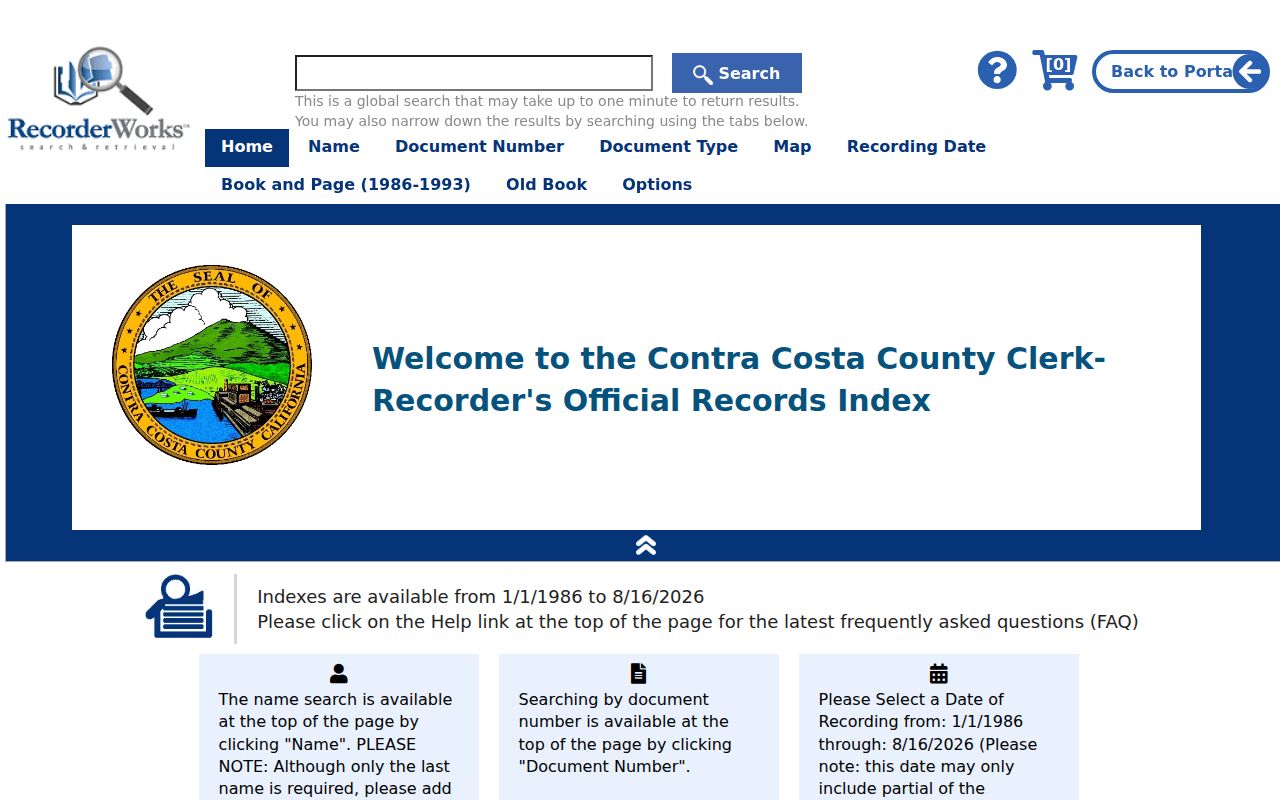
A deed chain is evidence of transfers. It is not a list of all people who occupied the parcel during each ownership period.
The county's Clerk-Recorder system launch notice describes the Google-like real-property search and its reach into some older records. The exact cutoff and image fees still require confirmation with the custodian.
Permits, Code Cases, and the City Boundary
Address history has two local permit paths. Inside Pittsburg city limits, the City Permit Center and Code Enforcement are the right contacts. The city dashboard covers permit management, inspections, code enforcement, and residential inspection, but the exact public search fields and start year were not verified. A written city request is the fallback for a parcel's permit or code chronology.
County ePermits covers county jurisdiction from January 1, 1980 forward. County records research estimates about 10 business days, and licensed-professional plans can add 30 days. A permit dates construction or a change in the property record. It does not prove that a named applicant lived at the address.
The Contra Costa property and zoning lookup explains the county path.
Use the city and county jurisdiction split before filing a request. A county portal cannot replace a Pittsburg city record for a parcel inside the city.
Pittsburg Requests for Offline Street Records
The Pittsburg City Clerk accepts public-records requests through its online channel, the RM-6 form, email, fax, mail, or the counter. A good request names the street address or APN, record type, date range, and desired inspection or copy format. The form records the description, requester contact, delivery choice, fee and response fields. The city must determine whether records are disclosable within the statutory window, but that window is not a production deadline.
County records use the Contra Costa public-records process. The California Public Records Act lets any person ask for reasonably described agency records. The agency generally has 10 calendar days to determine disclosability and may extend that determination by 14 days for unusual circumstances. Inspection is free, while direct duplication can carry a cost.
The Contra Costa public-records channel is the fallback when the online street record is incomplete.
Ask for inspection first when the goal is to learn which pages exist. That can prevent an overly broad copy request and helps identify the right custodian for the next step.
Historical Pittsburg Street Names Need Three Searches
A street directory search can fail because the place label changed, not because the family or parcel disappeared. Pittsburg's record vocabulary includes New York Landing, Black Diamond, and Pittsburg. Search all three labels in catalogs and newspaper indexes. Pair the place name with the APN, legal description, family name, or industry clue whenever one is known.
No verified citywide street-renumbering year was found. That is a reason to compare the legal description and map rather than inventing a conversion table. The 1949 Polk Pittsburg and Antioch City Directory is a confirmed local snapshot, while newspapers and tax books can help bridge the years before and after it.
The Antioch storage of much Pittsburg newspaper microfilm is another practical quirk. Check the Contra Costa Library historical-newspaper holdings before assuming every Pittsburg issue sits in Pittsburg. The Pittsburg city directory collections page handles the historical volumes themselves.
Pittsburg Voter Status Is Not Street-Based
My Voter Status authenticates a person with identity details and returns that voter's own registration and election information. It is not a name search for a Pittsburg street. A full voter-file request is restricted to approved purposes, and the released data excludes confidential voters, preregistered minors, signatures, driver identification, and Social Security numbers. Private, marketing, solicitation, harassment, and Internet-republication uses are prohibited.
That restriction changes the order of a street directory workflow. Use the public parcel and deed sources first. If the goal shifts from a street to one person, use the Pittsburg resident lookup workflow. For a lawful approved-purpose request, contact Contra Costa Elections at 555 Escobar Street or 925-335-7800 for the current application and media rules. Do not infer that an address has no registered voter because no public web result appears.
Where the Pittsburg Street Directory Stops
A street directory cannot reveal every household member, a private utility account, DMV address information, or a protected voter's location. Owner and mailing fields may be public while occupancy remains uncertain. A court portal may show a party and case chronology without publishing a party address or the actual documents. A permit can show an applicant and work date without proving who uses the parcel.
Use the record chain for family history, parcel research, reconnecting, and civic questions. Check important claims with the custodian and stop when a source is sealed, confidential, or protected. A name and address combination is not a license to build a private dossier.
Lawful personal use. Pittsburg address records are for careful, lawful research. Do not use a street directory to stalk, harass, intimidate, or harm another person.